← All sections

Logos

The Sunshine Tree connects each citrus family to its Florida origin.

3.1 / Family of brands

One family, distinct marks

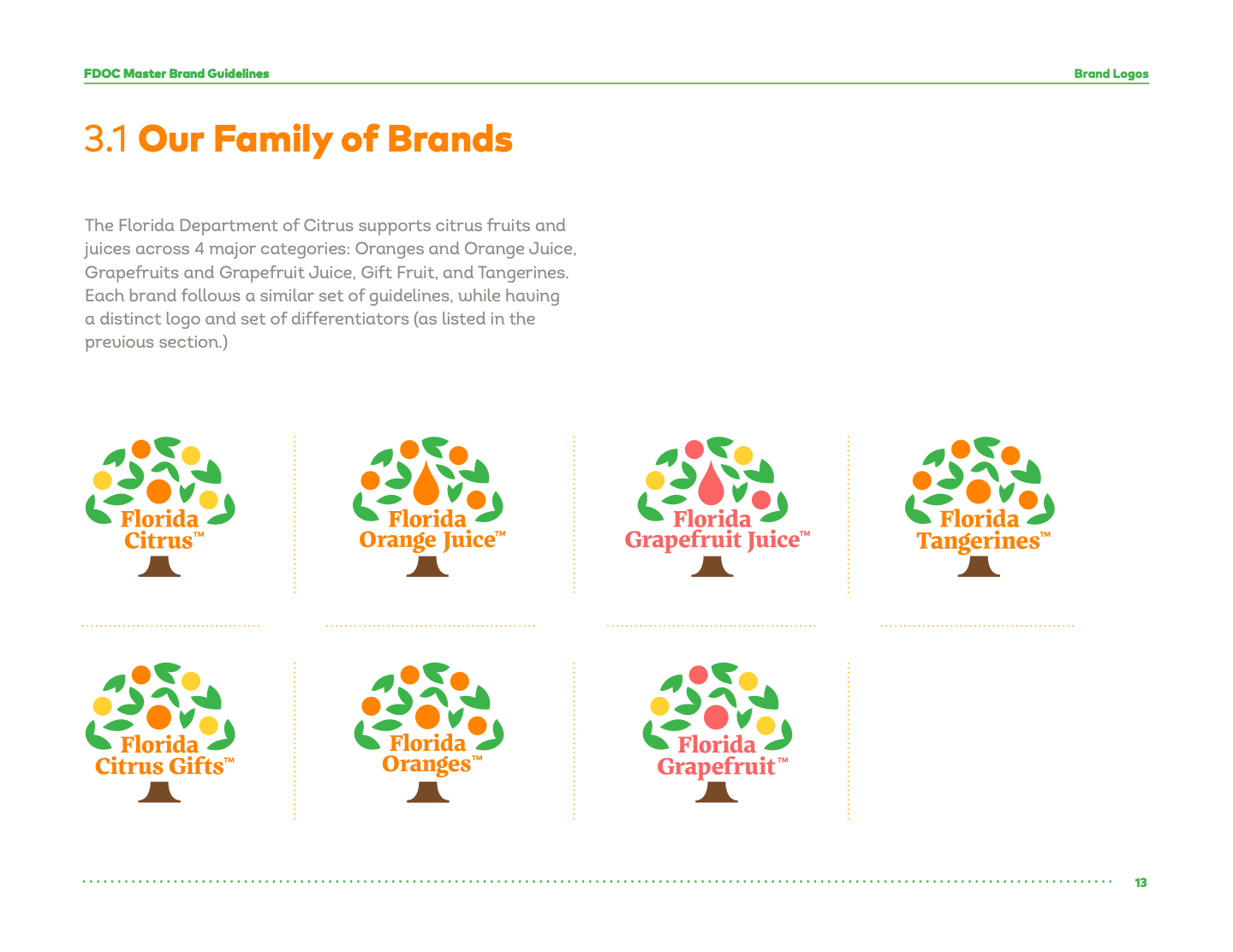
The department supports four citrus categories: oranges and orange juice, grapefruit and grapefruit juice, gift fruit, and tangerines. The logos share the Sunshine Tree system while each brand uses its own fruit, central symbol, and differentiators.

3.2 / Construction

Five parts of the Sunshine Tree

  1. Fruit: one or more fruit colors identify the citrus represented.
  2. Central symbol: a fruit or juice drop signals the primary product.
  3. Leaves: the leaves establish the tree.
  4. Brand name: the name sits at the base or side in the brand’s primary color.
  5. Trunk: the base completes the mark.

Cahuenga Heavy is used for the name within the logo only. It is not a general brand typeface.

Sunshine Tree construction and its five numbered parts.
Guide page 13. Sunshine Tree construction and its five numbered parts. Select to open the full reference.

3.3 / Individual marks

Use the right master

Every family mark has a full-color master, a compact variation only when height is restricted, and a single-color version when full color cannot work. The guide shows the constructions below.

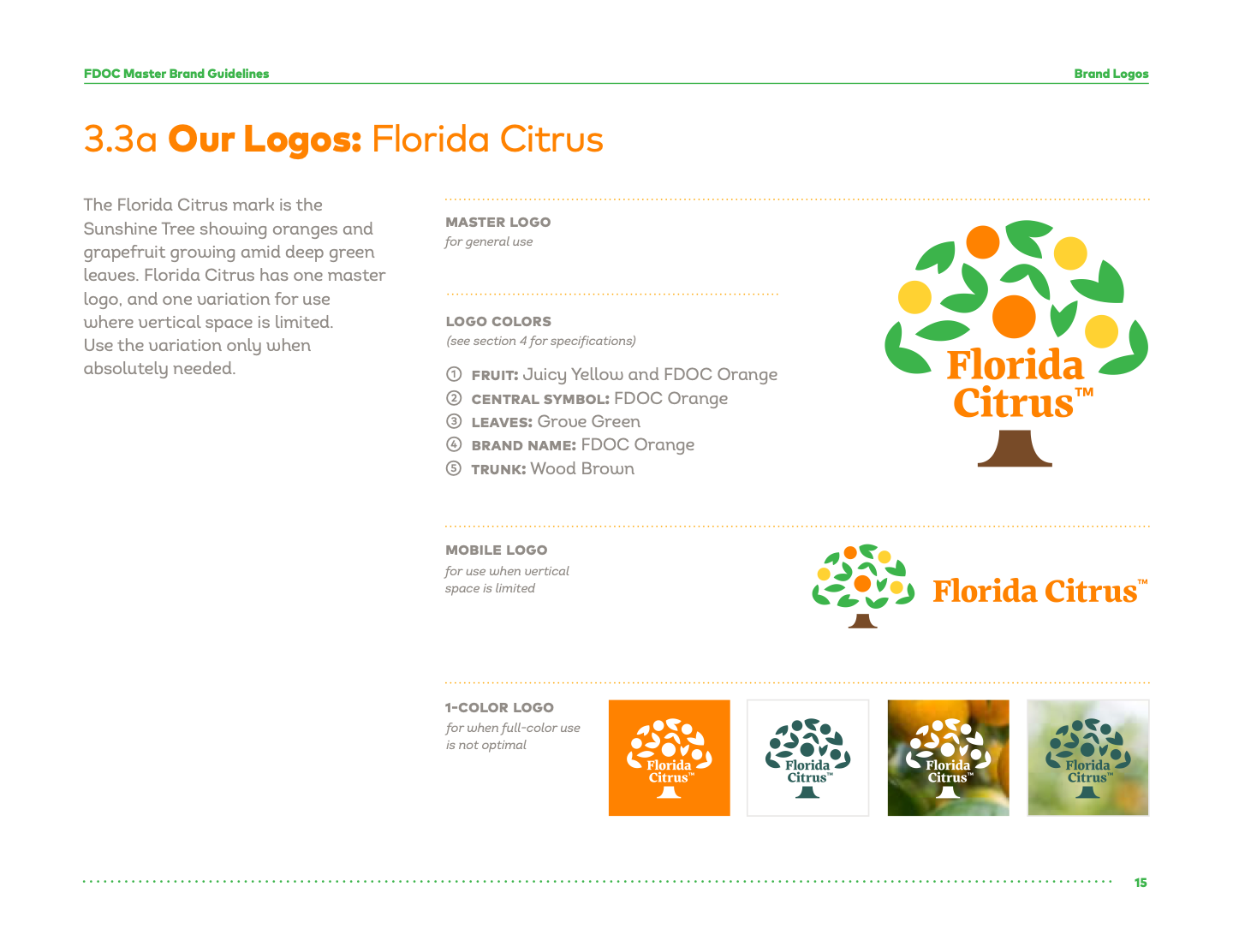
Florida Citrus logo

Florida Citrus

Oranges and grapefruit among green leaves. One master mark for general use. A compact variation is reserved for limited vertical space.

Fruit: Juicy Yellow and FDOC Orange. Central symbol and name: FDOC Orange. Leaves: Grove Green. Trunk: Wood Brown.
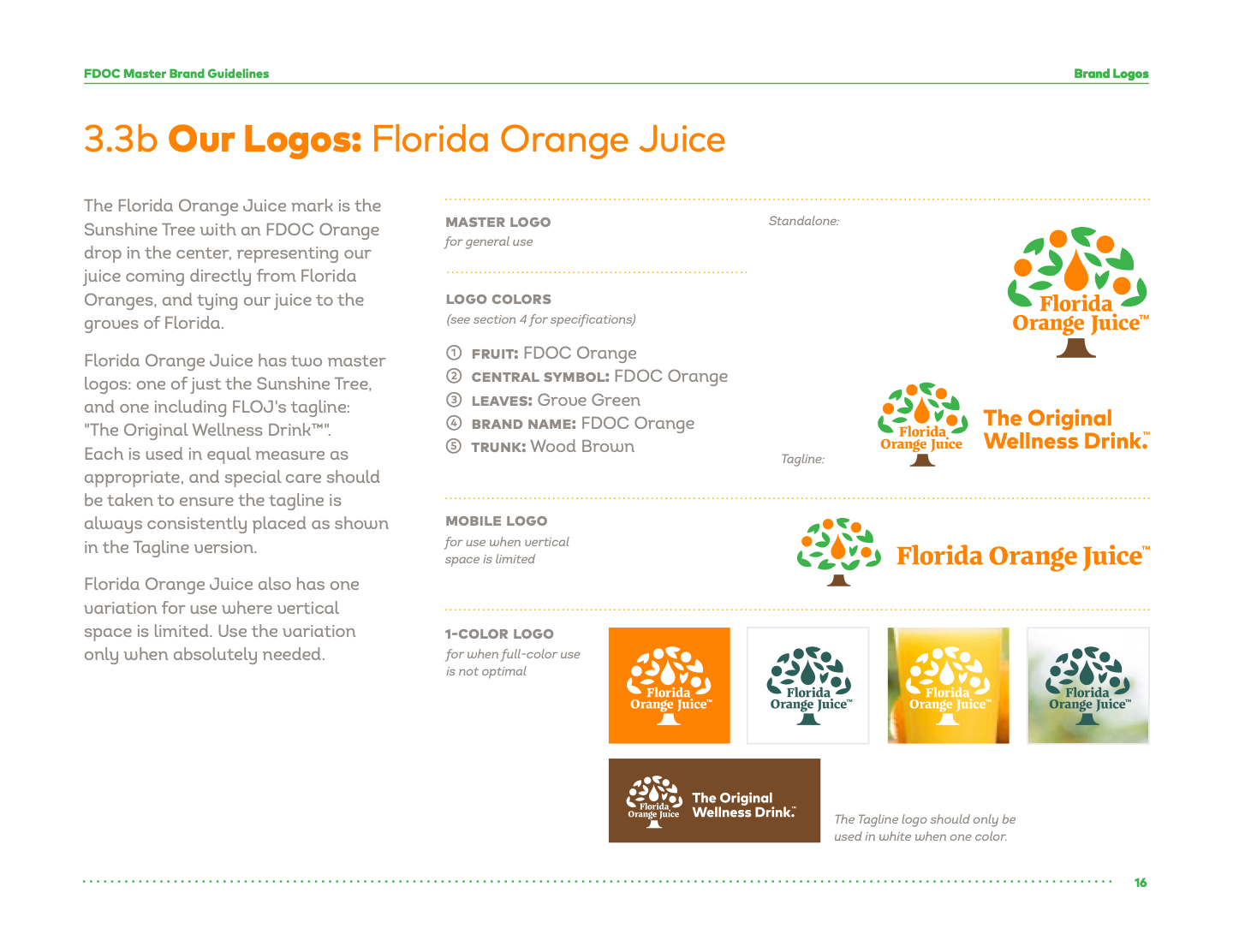
Florida Orange Juice logo

Florida Orange Juice

The central orange drop connects juice to Florida groves. The standalone and “The Original Wellness Drink™” tagline masters are used as appropriate. Keep the tagline placement consistent.

Fruit: FDOC Orange. Central symbol and name: FDOC Orange. Leaves: Grove Green. Trunk: Wood Brown.
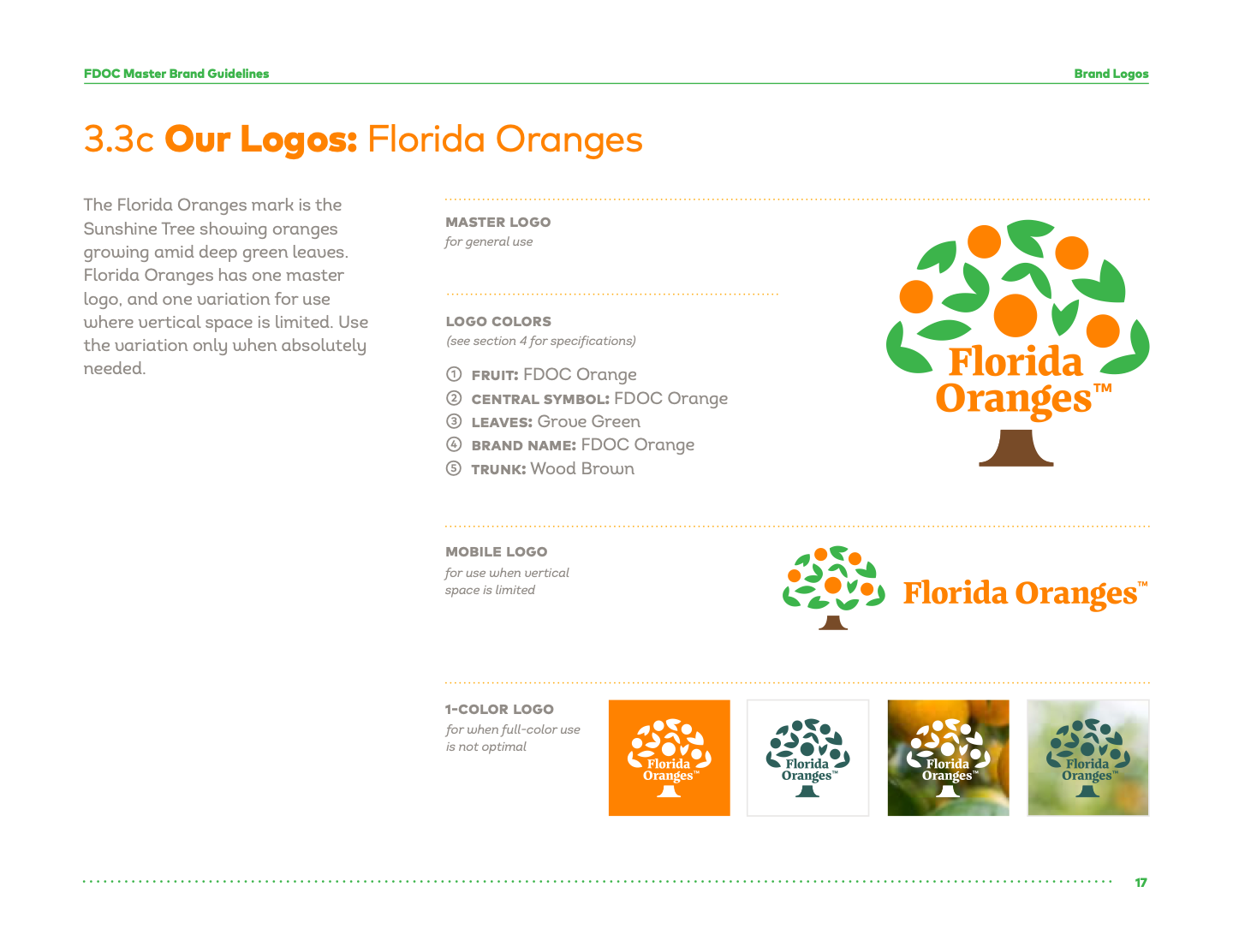
Florida Oranges logo

Florida Oranges

Oranges grow in the Sunshine Tree. Use the master mark; reserve the compact variation for limited vertical space.

Fruit: FDOC Orange. Central symbol and name: FDOC Orange. Leaves: Grove Green. Trunk: Wood Brown.
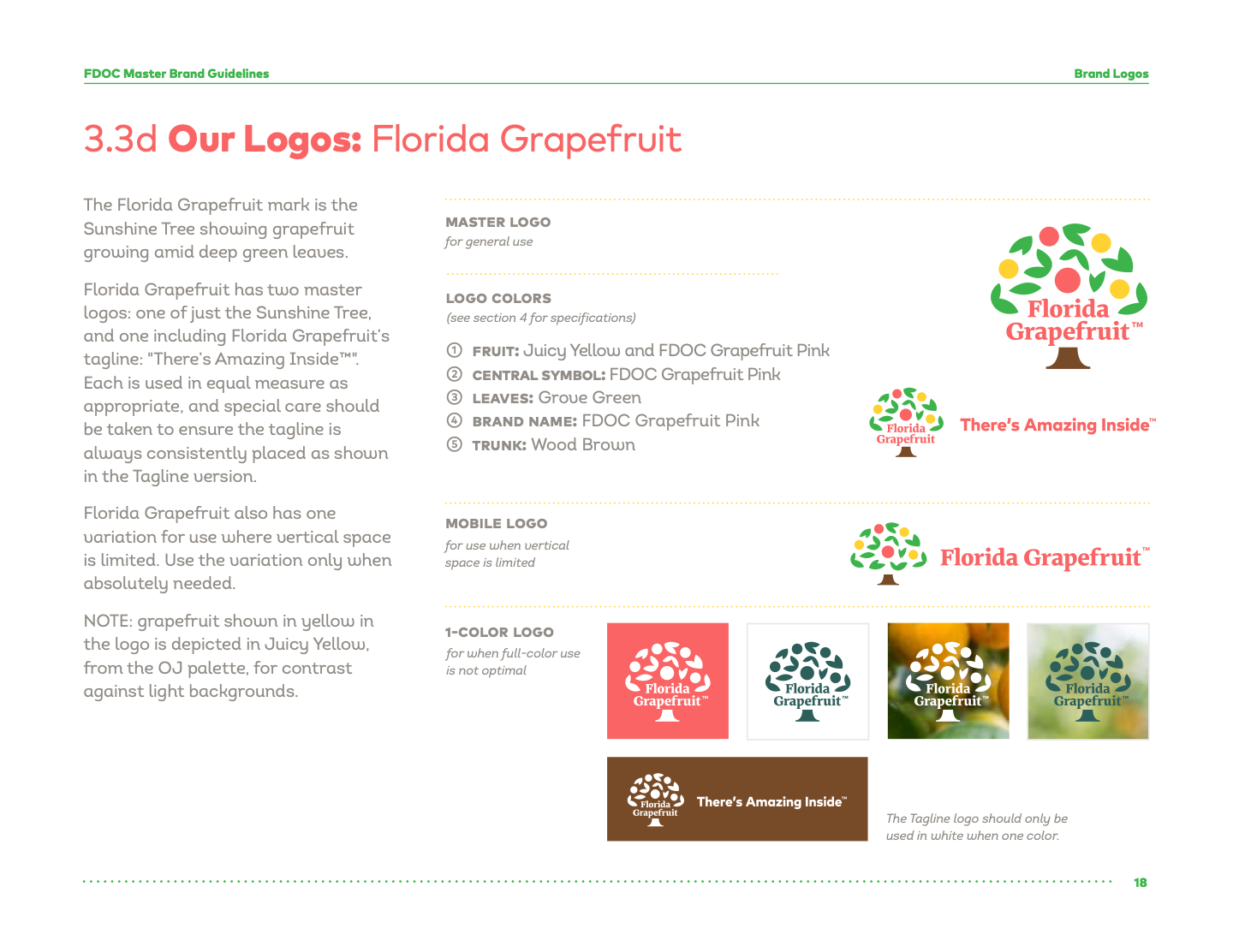
Florida Grapefruit logo

Florida Grapefruit

Grapefruit grows in the Sunshine Tree. Standalone and “There’s Amazing Inside™” tagline masters may be used as appropriate. Keep tagline placement consistent.

Fruit: Juicy Yellow and FDOC Grapefruit Pink. Central symbol and name: FDOC Grapefruit Pink. Leaves: Grove Green. Trunk: Wood Brown.
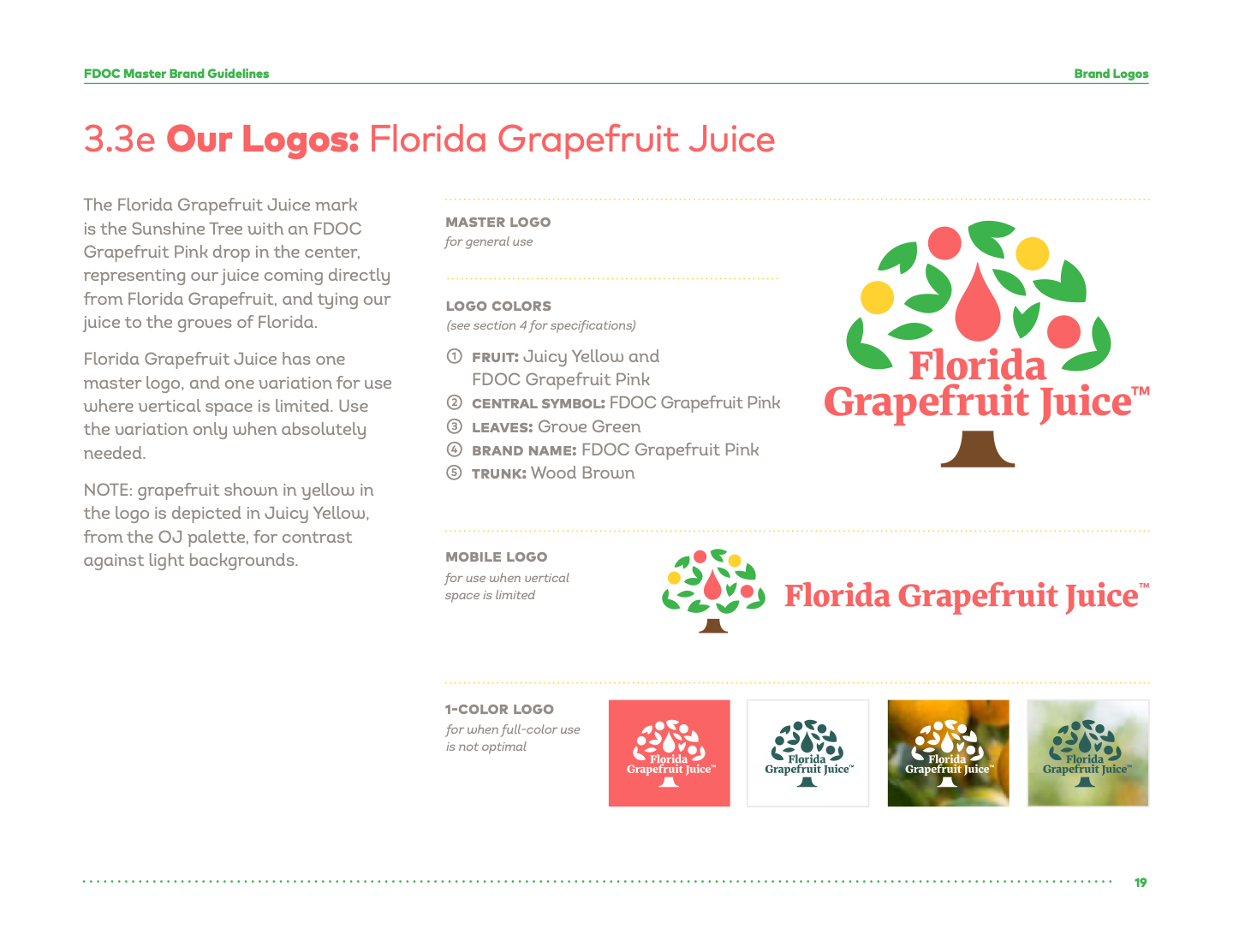
Florida Grapefruit Juice mark shown in the brand guide

Florida Grapefruit Juice

A grapefruit-pink drop connects the juice to Florida grapefruit. Use the master mark; reserve the compact variation for limited vertical space.

Fruit: Juicy Yellow and FDOC Grapefruit Pink. Central symbol and name: FDOC Grapefruit Pink. Leaves: Grove Green. Trunk: Wood Brown.
Guide page illustration. A separate web-ready logo file was not supplied.

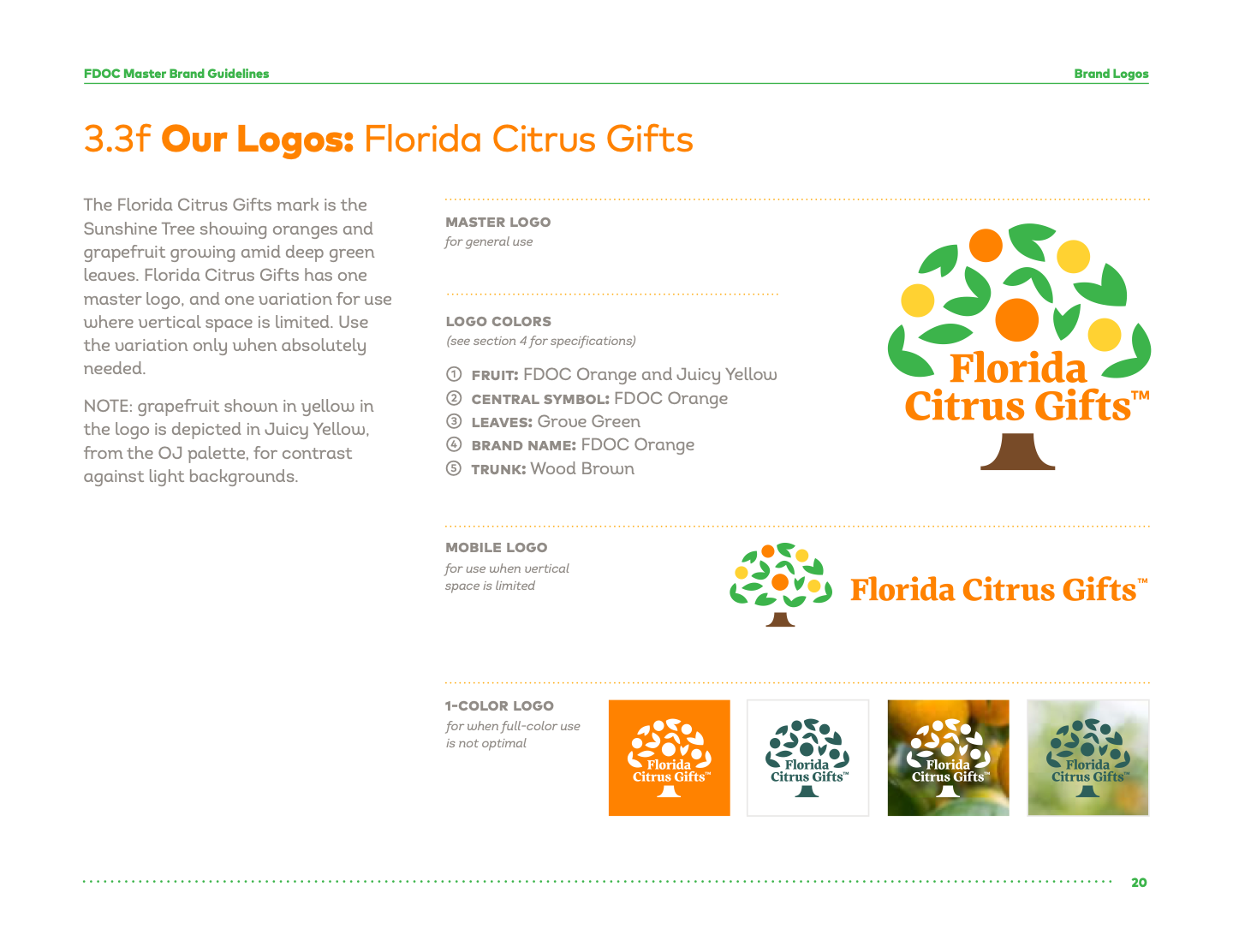
Florida Citrus Gifts mark shown in the brand guide

Florida Citrus Gifts

Oranges and grapefruit grow in the tree. Use the master mark; reserve the compact variation for limited vertical space.

Fruit: FDOC Orange and Juicy Yellow. Central symbol and name: FDOC Orange. Leaves: Grove Green. Trunk: Wood Brown.
Guide page illustration. A separate web-ready logo file was not supplied.

In the grapefruit and gift marks, yellow grapefruit is depicted in Juicy Yellow for contrast on light backgrounds. The one-color tagline versions for Florida Orange Juice and Florida Grapefruit should be white.

Florida Citrus master, compact, and one-color marks.
Guide page 15. Florida Citrus master, compact, and one-color marks. Select to open the full reference.
Florida Orange Juice master, compact, tagline, and one-color marks.
Guide page 16. Florida Orange Juice master, compact, tagline, and one-color marks. Select to open the full reference.
Florida Oranges master, compact, and one-color marks.
Guide page 17. Florida Oranges master, compact, and one-color marks. Select to open the full reference.
Florida Grapefruit master, compact, tagline, and one-color marks.
Guide page 18. Florida Grapefruit master, compact, tagline, and one-color marks. Select to open the full reference.

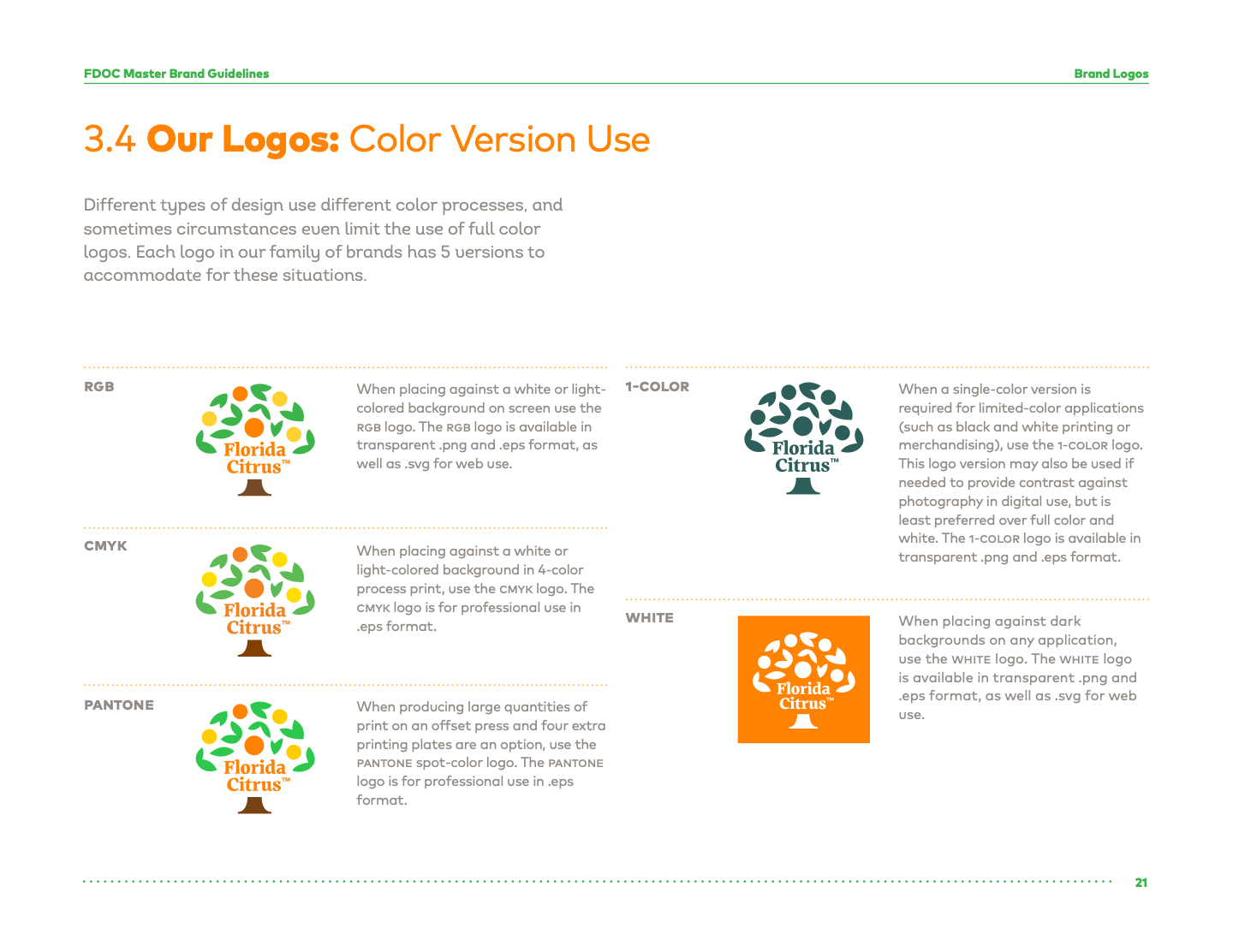
3.4 / Color version use

Choose the version for the medium

RGB

Screens on white or light backgrounds. The guide specifies transparent PNG and EPS, plus SVG for the web.

CMYK

Four-color process print on white or light backgrounds. The guide specifies professional EPS.

Pantone

Offset printing when four additional spot plates are available. The guide specifies professional EPS.

One color

Limited-color print or merchandise. It can provide contrast over digital photography when necessary, but is less preferred than full color or white.

White

Dark backgrounds on any application. The guide specifies transparent PNG and EPS, plus SVG for web.

Color version choices for screen, process print, spot print, one-color, and dark backgrounds.
Guide page 21. Color version choices for screen, process print, spot print, one-color, and dark backgrounds. Select to open the full reference.

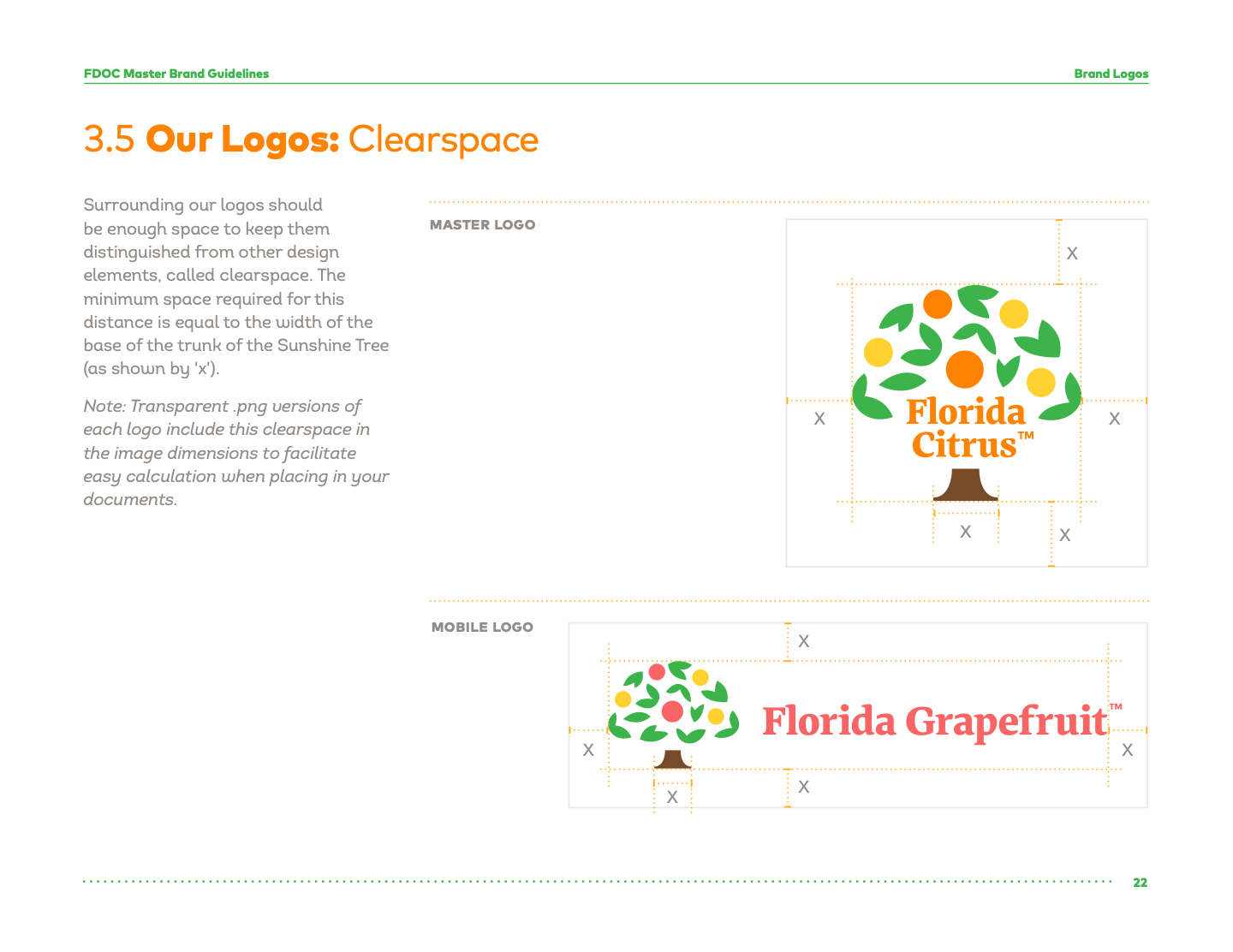
3.5 / Clearspace

Protect the trunk-width boundary

Leave at least the width of the base of the Sunshine Tree trunk between the logo and other design elements on every side. The guide calls this measurement x and applies it to both the master and compact versions. Its transparent PNGs include the required space within the image dimensions.

Florida Citrus master logo with breathing room around it
Master and compact logo clearspace measured by the tree trunk width.
Guide page 22. Master and compact logo clearspace measured by the tree trunk width. Select to open the full reference.

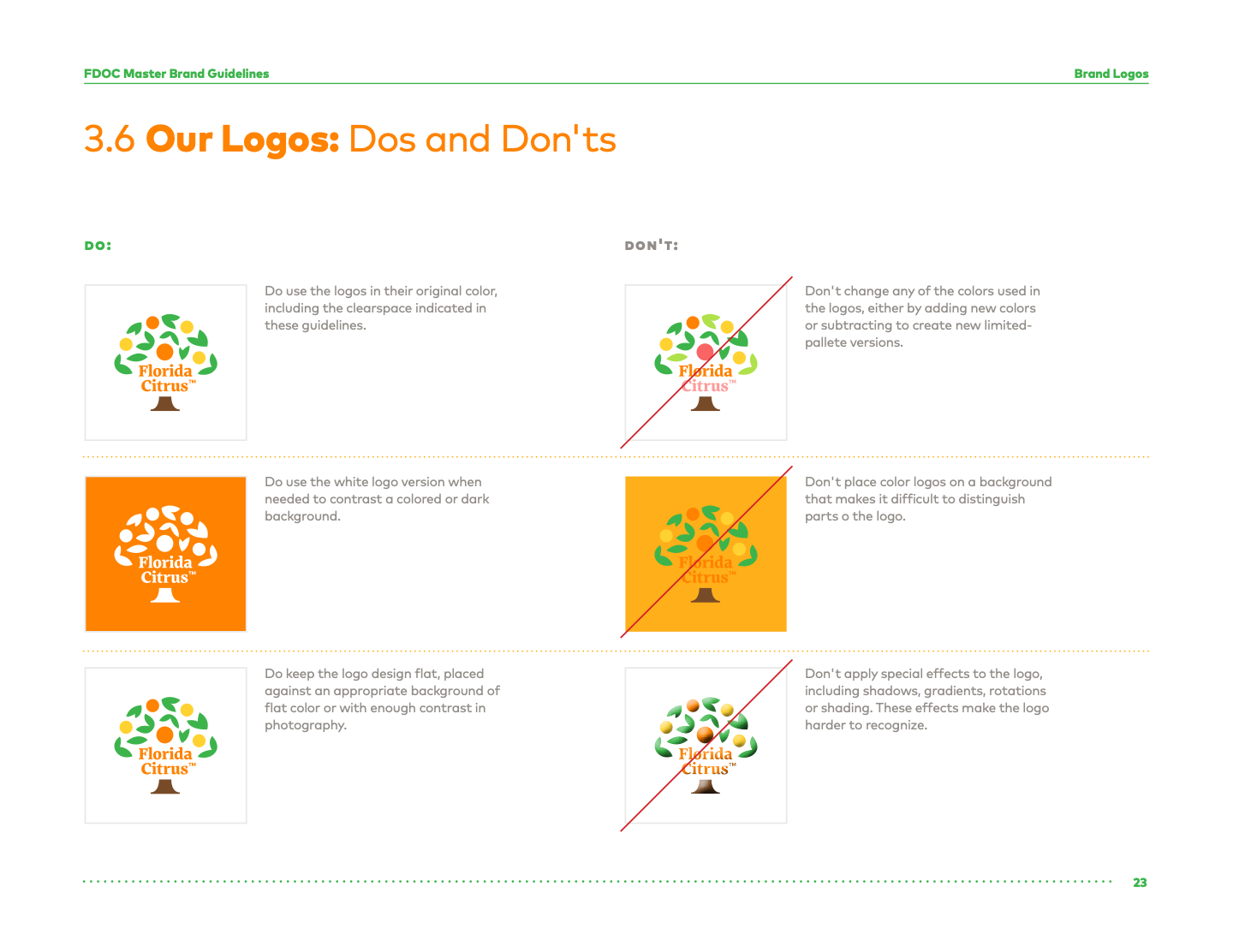
3.6 / Dos and don’ts

Keep the mark flat and legible

Do

  • Use original logo colors and maintain the required clearspace.
  • Use white when a colored or dark background needs contrast.
  • Place the flat mark on flat color or on photography with enough contrast.

Don’t

  • Change, add, or subtract logo colors to make an unapproved palette.
  • Place a color logo where parts of it disappear into the background.
  • Add shadows, gradients, rotations, shading, or other effects.
Approved and unapproved logo treatment examples.
Guide page 23. Approved and unapproved logo treatment examples. Select to open the full reference.

Web-ready assets

Florida Citrus master logo

Florida Citrus full-color logo

Preview and download

Full-color SVGWeb and digital
Download
Full-color PNGDocuments and presentations
Download
White SVGDark backgrounds
Download
Logo packSVG and PNG variants
ZIP

Only the Florida Citrus web-ready master set is packaged for download in this prototype. Original production files remain in the project’s source archive.